Everything You Need
to Build
Arduino IDE combines a powerful code editor, seamless board management, real-time debugging, and an extensive library ecosystem into one intuitive environment.
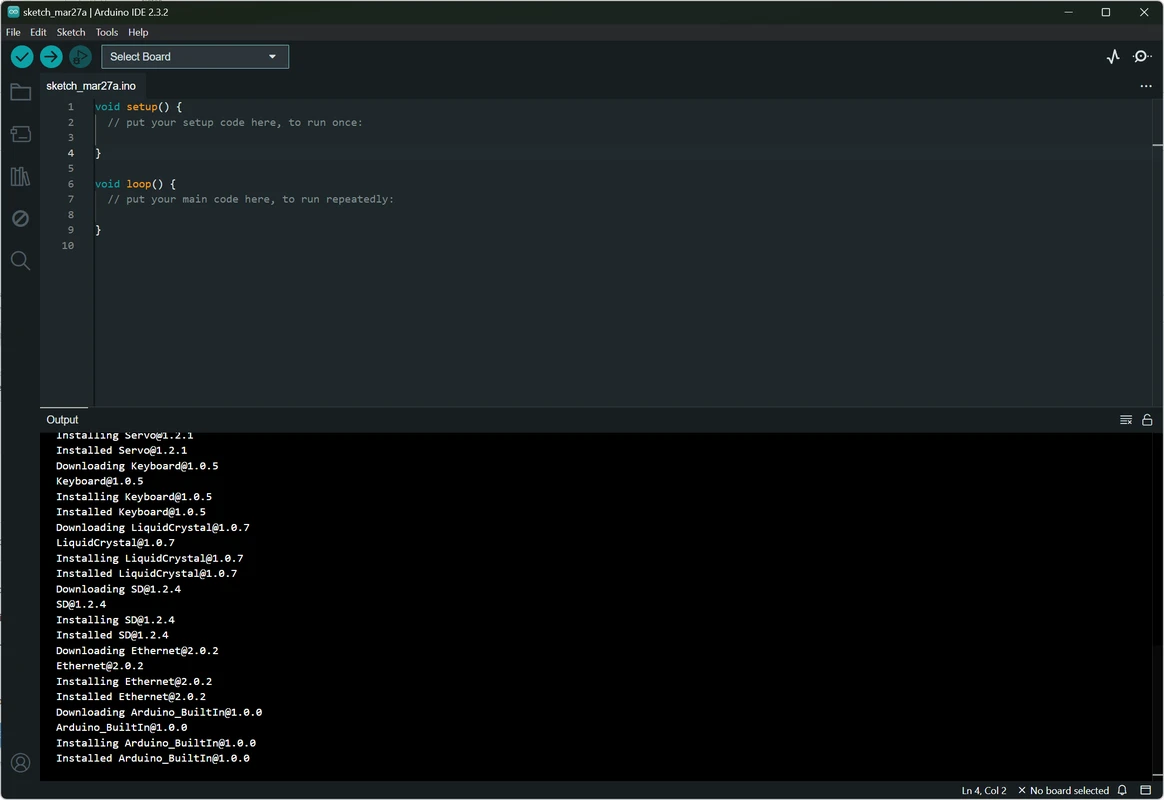
Board
Management
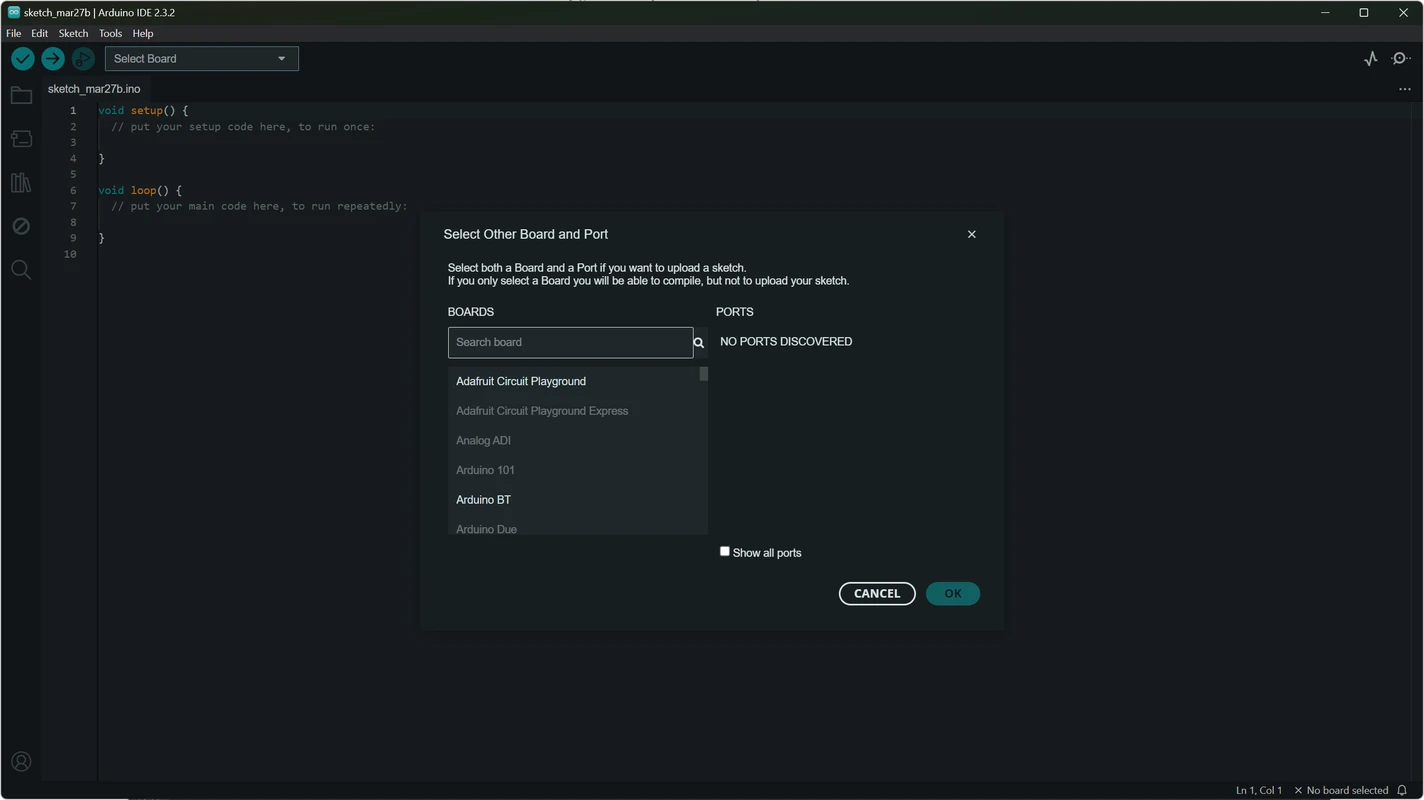
The board management module lets you choose the exact Arduino board for your project from a comprehensive dropdown menu. Whether you are using an Uno, Mega, Nano, or a third-party compatible board, Arduino IDE automatically detects and configures the correct settings.
Whenever you make modifications or switch hardware, PORT data updates automatically. The revamped board manager in Arduino IDE 2 simplifies installation and updates, making it easier than ever to keep your projects up to date with the latest core files and firmware.
- Automatic PORT detection and configuration
- Support for official and third-party boards
- One-click core installation and updates
Advanced Sketch
Editor
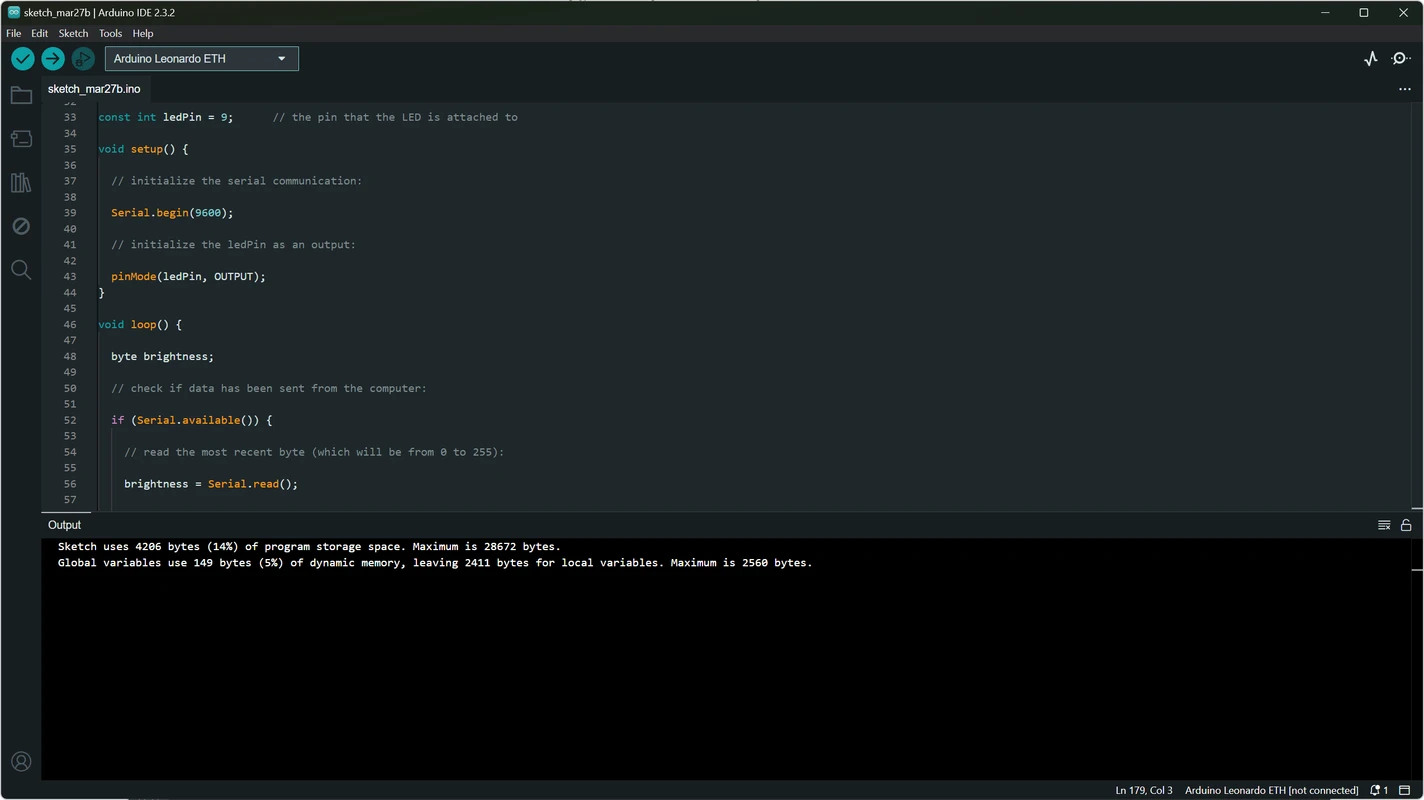
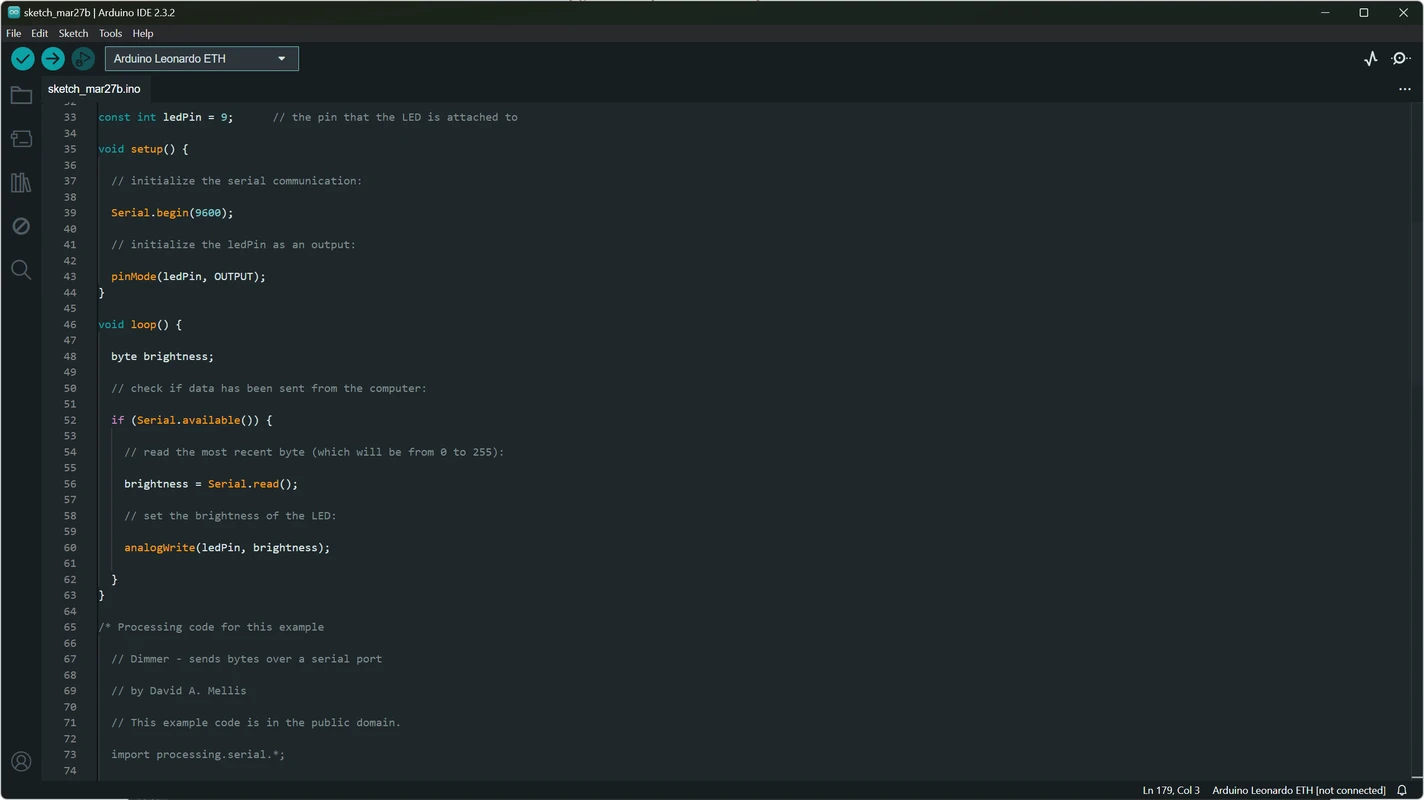
The Arduino IDE text editor is purpose-built for writing sketches. It combines the simplicity of a text processor with powerful coding features that help you write clean, error-free code from the start. Syntax highlighting makes your code structure instantly readable, while auto-complete suggests functions and variables as you type.
Error checking runs in the background to catch mistakes before compilation. The auto-formatting feature arranges your code with a single click, ensuring consistent indentation and spacing even if you are new to programming.
- Syntax highlighting and auto-complete
- Real-time error checking and diagnostics
- One-click auto-formatting and code cleanup
Real-Time
Debugging
Arduino IDE 2 introduces professional-grade debugging directly into the environment. You can set breakpoints in your code, inspect variable values as your sketch runs on the board, and step through execution line by line. This eliminates the guesswork that traditionally comes with embedded development.
Troubleshooting is now far more efficient. Instead of adding serial print statements and recompiling repeatedly, you can pause execution at critical moments and examine the internal state of your program.
- Set breakpoints and step through code
- Inspect variables during execution
- Compatible with debug-enabled boards
Integrated
Libraries
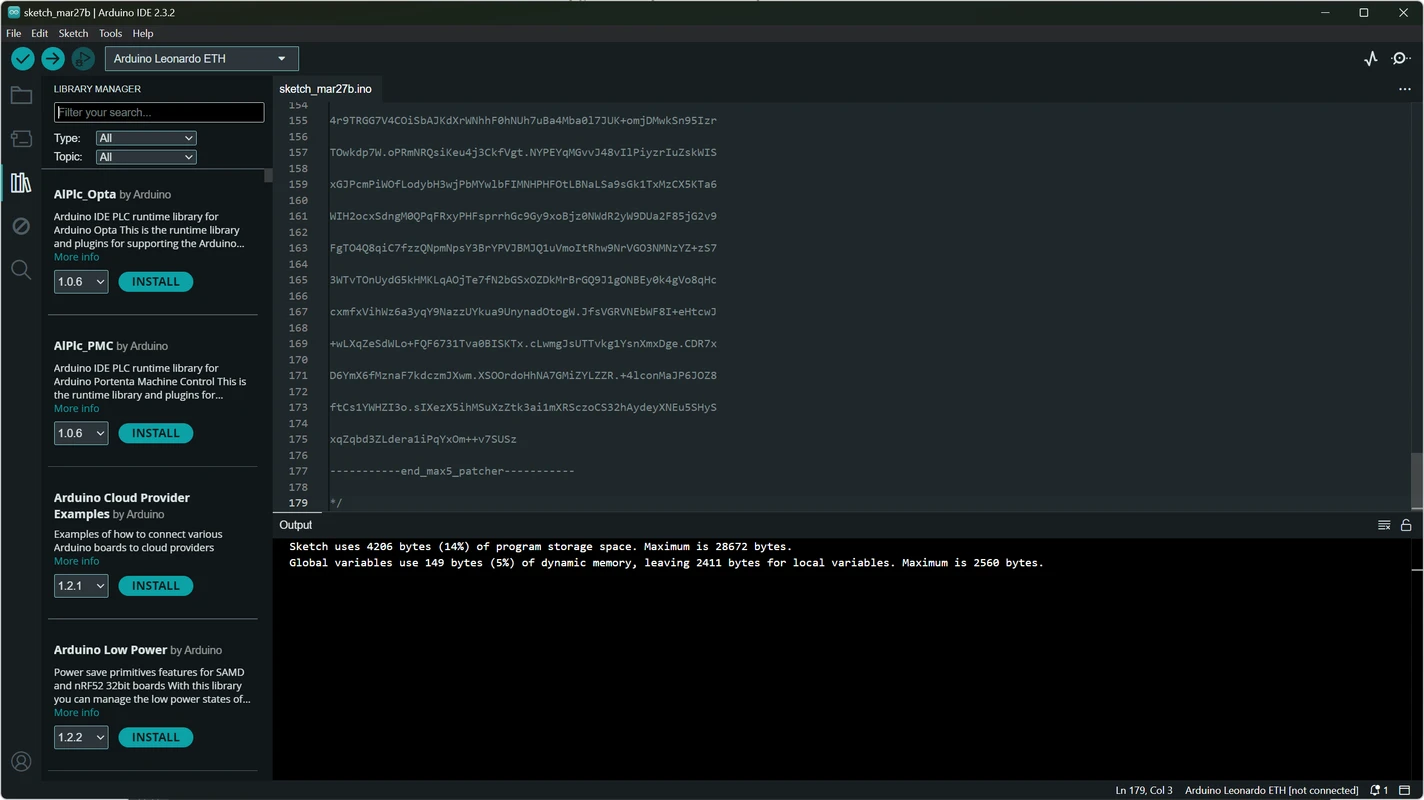
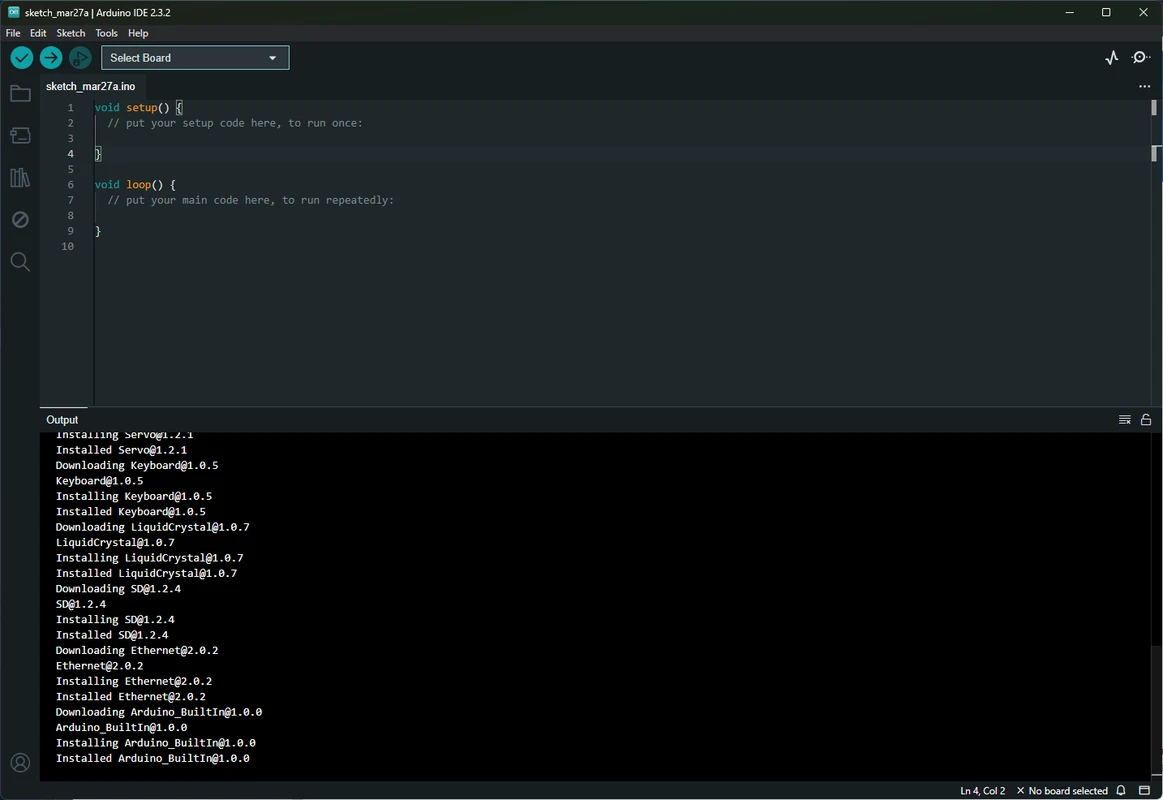
Arduino IDE provides access to thousands of libraries built exclusively for the Arduino community. From sensor interfaces and motor drivers to networking stacks and display controllers, you can find and install libraries without ever leaving the IDE.
The library manager lets you search by name or category, view version history, and install dependencies automatically. This removes the friction of manually downloading ZIP files and copying them into folders.
- Thousands of community-built libraries
- One-click installation and updates
- No third-party tools required
Serial Monitor
& Plotter
Monitor your Arduino board in real time with the built-in serial monitor. View debug messages, sensor readings, and status updates as they happen. The serial monitor is optimized in Arduino IDE 2 for better responsiveness, ensuring smooth data streaming even at high baud rates.
The serial plotter takes visualization further by drawing graphs of your data in real time. This is indispensable for tuning control systems, calibrating sensors, and analyzing temporal data.
- Real-time data streaming and logging
- Built-in graph plotter for sensor data
- Multiple baud rate and line ending options
Cloud
Integration
Arduino IDE integrates seamlessly with the Arduino Cloud, allowing you to save sketches online and access them from any device. Each sketch can be shared with a unique link, making collaboration with other programmers effortless.
Cloud synchronization ensures your projects are never lost. Work on a sketch at home, continue at the makerspace, and share it with your team without managing USB drives or email attachments.
- Save and sync sketches across devices
- Share unique links with the community
- Browser-based online editor available
Project
Documentation
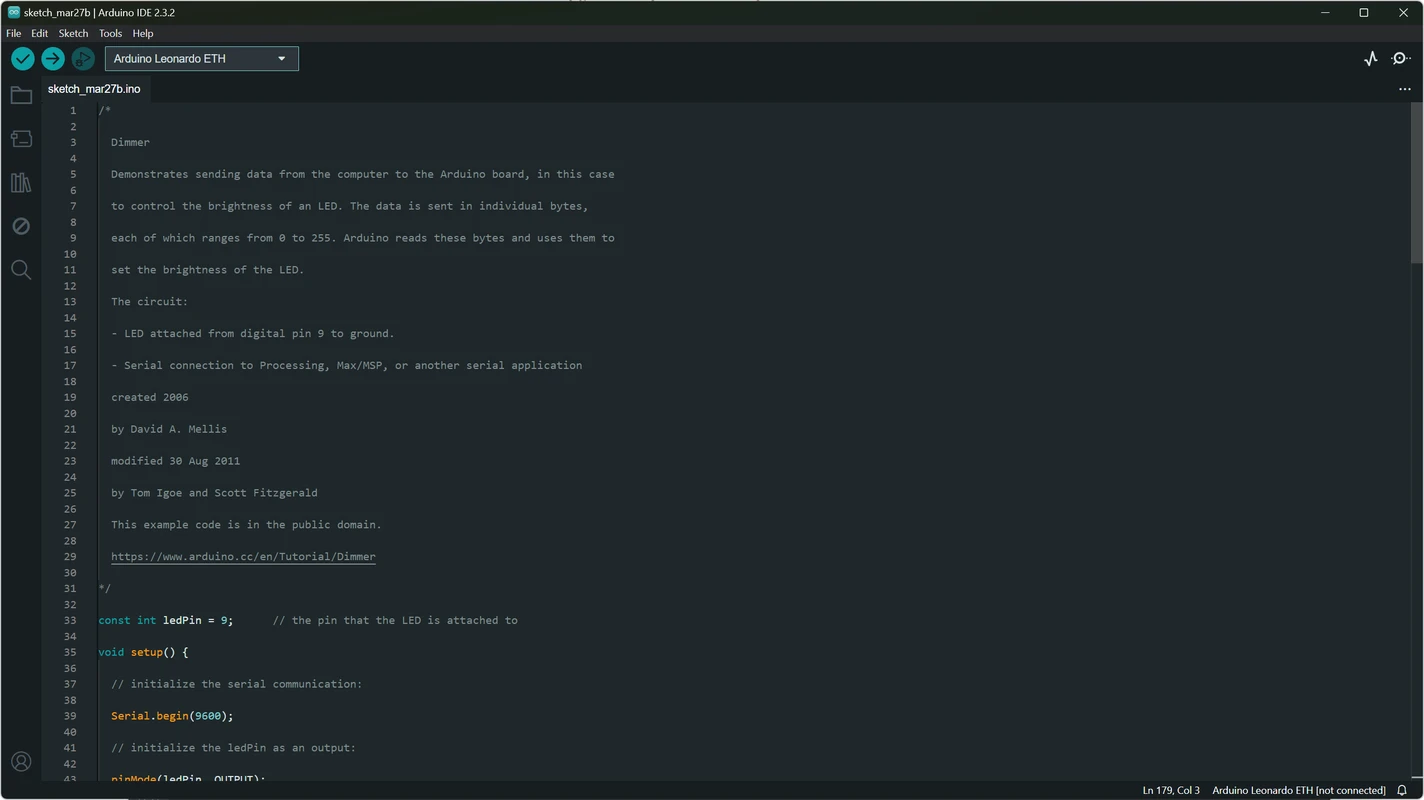
Keeping your projects organized is essential as your codebase grows. Arduino IDE includes built-in documentation features that let you track progress, annotate sketches, and maintain clean project structures. You can work on multiple sketches simultaneously using tabs.
Hassle-free documentation means you can reuse sketches across multiple boards without confusion. Add comments, structure your code into functions, and maintain a clear record of what each part of your project does.
- Multi-tab sketch organization
- Track progress across multiple boards
- Reusable and well-documented sketches
Additional Capabilities
Arduino IDE is packed with tools that make embedded development faster and more enjoyable.
Third-Party Hardware Support
While designed for Arduino boards, the IDE connects easily to third-party hardware. You are never locked into proprietary ecosystems.
Fast Compilation
Arduino IDE 2 significantly reduces compile times compared to previous versions, accelerating your development loop.
Improved Search
Find functions, libraries, and files within large projects quickly using the upgraded search functionality.
Responsive Interface
The modern UI in IDE 2 is smoother and more responsive, with faster startup times and better navigation.
Notification System
Stay informed with built-in alerts for updates, library changes, and potential issues in your project.
Offline and Online Modes
Use the desktop IDE offline or switch to the cloud editor for access anywhere. Your workflow is never interrupted.
Experience These
Features Today
Download Arduino IDE and start building with the most feature-rich version yet.
Download Now